Checksums and Digital Signatures: What a Software Download Check Proves
A downloaded file can have the expected name and still contain different bytes from the file its publisher intended. A checksum helps compare the bytes. A digital signature can help establish who signed a file or a checksum record, provided the signing key is authenticated appropriately. These checks answer related but different questions.
The distinction matters for ordinary software installers and for scientific tools that process health or peptide data. Before investigating an unexpected result, it helps to know exactly which software file was used. A trustworthy record identifies the release and the verification performed without treating one successful check as proof of every desirable property.
Start with the exact file
A cryptographic hash function takes the bytes of a file and produces a digest. The same algorithm applied to the same bytes produces the same digest. Altering the bytes normally changes the digest, even when the visible filename stays unchanged. The NIST Secure Hash Standard describes algorithms used to generate message digests and detect changes.
A filename is a label, not the content itself. Renaming a file ordinarily leaves its contents unchanged, while opening and saving a text file can change its bytes without making an obvious visible edit. A software package should therefore be identified by more than the name shown in a downloads folder.
Keep the downloaded archive separate from any extracted directory when recording a digest. The archive and its unpacked files are different byte sequences. A publisher’s checksum for an archive should be compared with that archive, not with a renamed folder or a newly created replacement archive.
Compare like with like
Record the algorithm as well as the digest. A SHA-256 value is not interchangeable with a digest produced by another algorithm. If the publisher provides several checksum files, choose the one for the exact release, platform and artifact that you downloaded. Similar names across operating systems are a common source of mistaken comparisons.
A fictional example makes the logic clear. Suppose a publisher lists an expected digest for an installer called example-tool-3.2. A local calculation produces a different value. That establishes a mismatch between the compared bytes and reference; it does not by itself explain whether the cause was an incomplete download, an unintended release or deliberate alteration.
Do not repair a mismatch by editing the expected value to match the local file. Instead, return to the source and confirm the artifact and reference. A check has value because the reference is independent of the result being checked. Replacing the reference with the local answer removes that independence.
Authenticate the reference, not only the download
If an attacker could replace both a file and an unsigned checksum beside it, the two could agree. A matching digest would then confirm consistency between those two items without establishing the publisher’s identity. This is why the source of the expected digest matters.
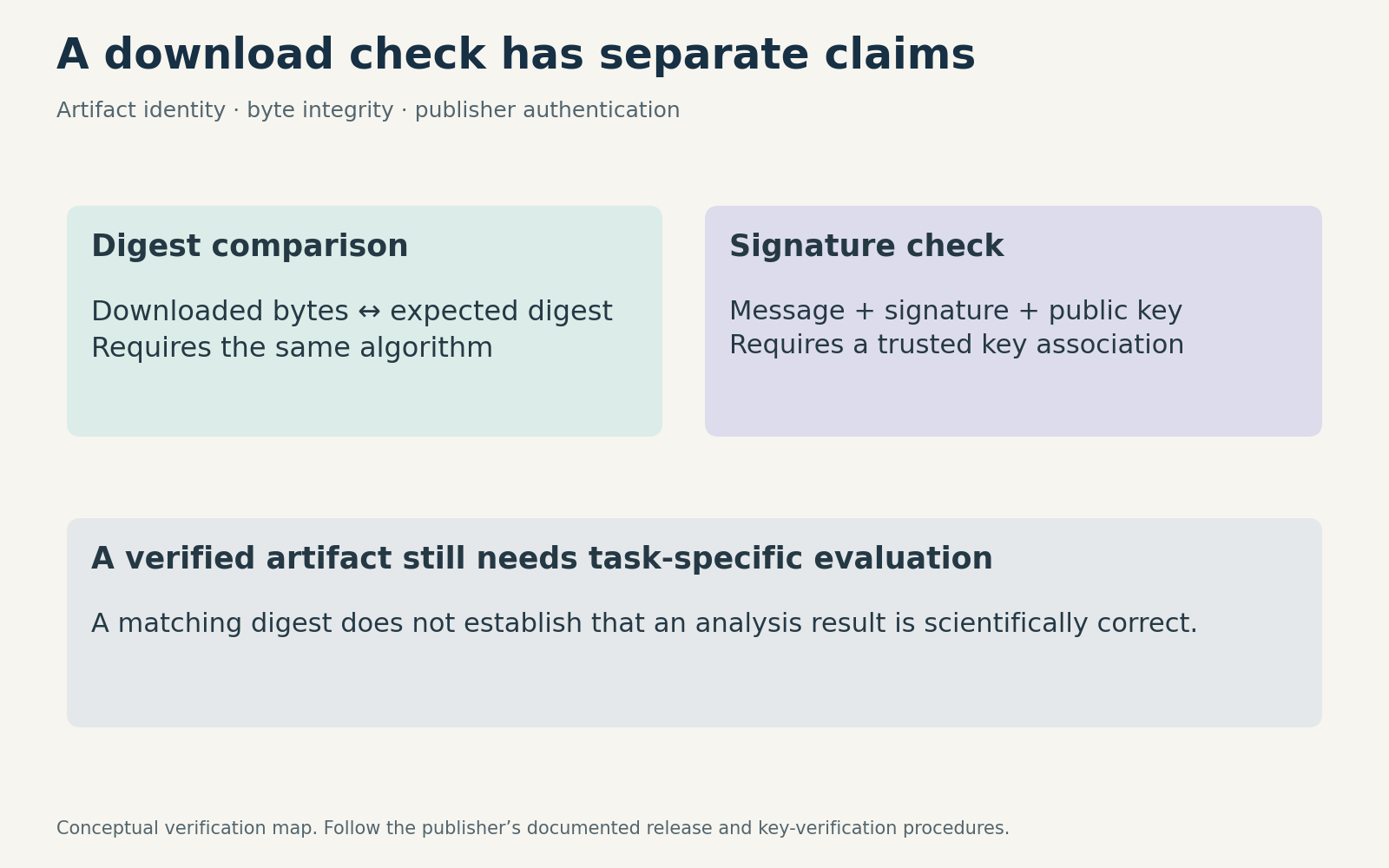
A digital signature adds another relationship: verification checks a signature against a message and a public key. The result is meaningful for publisher authentication only when there is a justified connection between that key and the publisher. A key label containing a familiar name is not sufficient on its own.
Ubuntu’s official download-verification tutorial demonstrates the separation by checking a signed checksum record and then comparing the downloaded image against that record. The procedure illustrates two distinct links in the chain: who signed the reference and whether the downloaded bytes match it.
Interpret the outcome without enlarging the claim
| Check | Question it addresses |
|---|---|
| Digest comparison | Do these bytes match the expected digest under the stated algorithm? |
| Signature verification | Is the signature valid for this message and this public key? |
| Key authentication | Why is this public key associated with the intended publisher? |
| Functional evaluation | Does the software perform the required task under the tested conditions? |
A correctly signed release can still contain a bug. A file matching its published digest can still be the wrong version for a particular workflow. Verification establishes important properties of the artifact; it does not certify every result the software will later produce.
Keep those conclusions in separate sentences. “The archive matched the publisher’s SHA-256 record” is a precise statement. “The analysis is therefore correct” requires evidence about inputs, settings, software behaviour and interpretation that the checksum does not provide.
Build a small reproducibility record
For a scientific tool, record the release identifier, download source, artifact name, digest algorithm, digest and verification date. Record the relevant configuration and input identifiers separately. The goal is to make it possible to distinguish a changed program from changed settings or changed data when an analysis is repeated.
Imagine a fictional peptide-data conversion that produces different output after a software update. If the old and new artifacts and their settings are recorded, the comparison can focus on the changed components. If the record only says “latest version,” the word loses its meaning as soon as another release appears.
Output files can also receive digests for tracking. Matching output digests establish that the files are byte-identical; different digests establish a byte difference. Neither result alone tells you whether a scientific conclusion changed. A report may include harmless timestamp differences, or a tiny changed field may carry substantive meaning.
A concise verification log can include the expected result and the observed result in separate fields. That separation makes later review easier and avoids confusing a copied reference with a locally calculated value. Record any unresolved mismatch as a mismatch, rather than translating an incomplete check into a successful status.
Make verification part of a repeatable workflow
Begin at the publisher’s official release information, identify the exact artifact and obtain the appropriate verification material. Follow the publisher’s instructions for authenticating its signing key and checking its signature. Then compare the file digest with the authenticated reference. Preserve the result with the release record.
If verification fails or the artifact does not match the intended release, resolve that discrepancy before relying on the file. Once the artifact is identified, evaluate it for the actual task. Keeping identity, byte integrity and functional suitability distinct creates a clearer foundation for every scientific file that the software later reads or writes.